
TL;DR:
- No universal standard exists for travel itinerary formatting, leading to inconsistent and inefficient planning.
- Well-structured itineraries include key details like dates, confirmations, addresses, and activity timelines to reduce stress.
- Digital, adaptable tools or AI solutions are the most effective for creating, updating, and sharing itineraries quickly.
Most travelers assume there's a universal standard for formatting travel itineraries, the way there are standards for boarding passes or airline tickets. There isn't. No global consumer format exists, which means every traveler, travel agent, and planning app is essentially making it up. For busy professionals, that gap creates real friction: scattered confirmations, missed details, and last-minute panic. This article walks you through best-practice formats, the essential elements of a solid itinerary, and a repeatable system you can use for any trip, whether it's a two-day work sprint or a two-week vacation.
Table of Contents
- Why itinerary formatting matters for stress-free travel
- Elements of a best-practice travel itinerary
- Popular itinerary formatting methods compared
- How to quickly build and adapt your itinerary for any trip
- What most professionals get wrong about itinerary formatting
- Effortless itinerary creation with DestList
- Frequently asked questions
Key Takeaways
| Point | Details |
|---|---|
| No universal standard | Travel itinerary formatting is based on best practices, not a global rule set. |
| Essential details matter | Accurate times, locations, and confirmations are the backbone of a solid itinerary. |
| Adaptability is key | Flexible, digital formats outperform static templates for frequent travelers. |
| Automate for efficiency | Using smart tools reduces mistakes and wasted time organizing trips. |
Why itinerary formatting matters for stress-free travel
With the myth of a universal format dispelled, it's important to understand why structure is essential. A well-formatted itinerary isn't just a nice-to-have. It's the difference between a trip that runs smoothly and one that costs you hours of wasted energy.
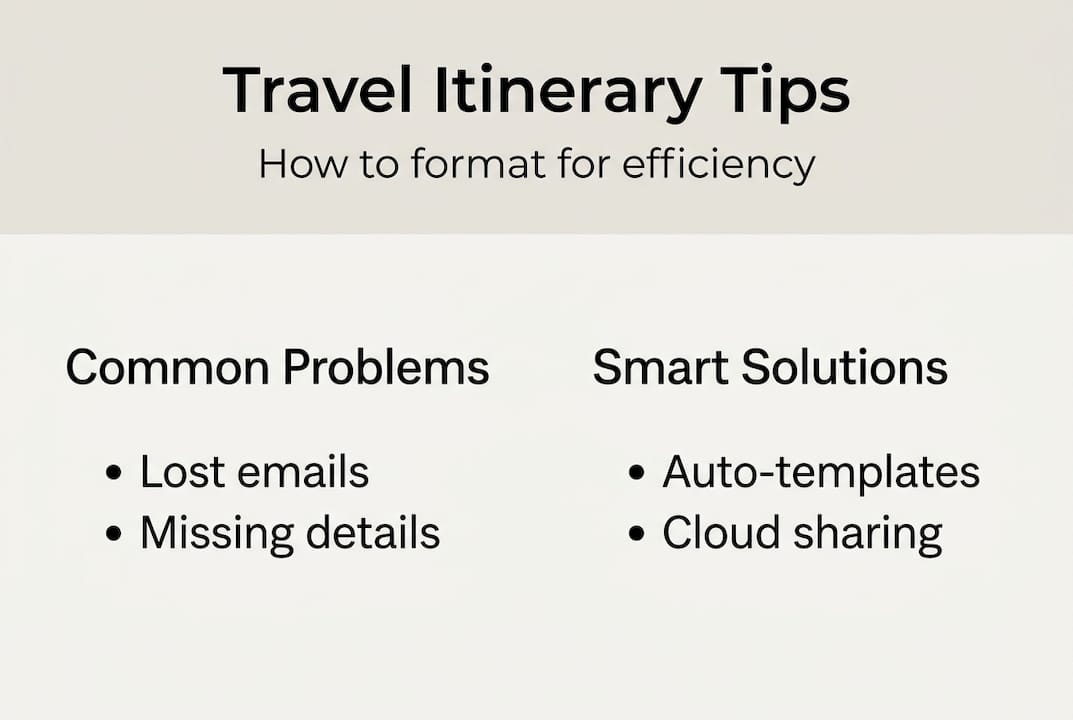
For busy professionals, the pain points are specific. Confirmation numbers buried in email threads. Hotel addresses saved in three different apps. A gate change you missed because your printed itinerary was already outdated. These aren't minor inconveniences. They compound into real stress, especially when you're trying to stay productive on the road.
The importance of trip planning goes far beyond logistics. A clear format reduces cognitive load, the mental effort required to keep track of everything. When your brain isn't juggling a dozen open loops, you make better decisions and enjoy the trip more.
Since no universal standard governs how consumer itineraries should be structured, best practices fill the gap. And those best practices are proven. Over 60% of business travelers report wasting time on manual trip organization, a problem that a consistent format can largely eliminate.
Here's what a well-structured itinerary actually does for you:
- Saves time by putting every detail in one place, no more inbox archaeology
- Reduces stress by eliminating the fear of forgetting something critical
- Enables flexibility so you can adapt quickly when plans change
- Improves coordination when traveling with colleagues or a group
- Speeds up decision-making because context is always at hand
Think of streamlined travel planning as a system, not a document. The format is the container. What you put inside it determines how well the trip flows.
Elements of a best-practice travel itinerary
Knowing why formatting matters, it's useful to see what elements actually make up an ideal itinerary. The good news is that the core components are consistent across trip types, even if the format isn't.
Every solid itinerary should include these must-have fields:
- Travel dates and times for every leg of the journey
- Confirmation numbers for flights, hotels, and car rentals
- Contact information for each property or service provider
- Full addresses and check-in instructions
- A clear, chronological timeline of activities
Beyond the basics, optional elements can elevate a good itinerary into a great one. Maps and navigation links save time on the ground. Emergency contacts give peace of mind. Weather notes help you pack smarter. Local tips, like which restaurant requires a reservation or which museum is closed on Mondays, prevent avoidable surprises.
Since consumer itinerary formats are driven by best practice rather than any governing standard, you have full flexibility to customize. That's actually an advantage.
| Element | Importance | Example format |
|---|---|---|
| Travel dates and times | Critical | Depart June 5, 7:45 AM, Terminal B |
| Confirmation numbers | Critical | Hotel: #HX-29041 |
| Addresses | High | 123 Main St, Austin, TX 78701 |
| Activity schedule | High | Day 2: Museum 10 AM, Lunch 1 PM |
| Emergency contacts | Medium | Hotel front desk: +1-512-555-0199 |
| Weather notes | Optional | Expect rain on Day 3, pack layers |
| Local tips | Optional | Reserve dinner at Uchi 2 weeks ahead |
Visual clarity matters more than most people realize. Grouping information by day, using bold text for key times, and separating sections with clear headers makes the document scannable under pressure. You shouldn't have to read your itinerary carefully to find your flight number.

For stress-free trip steps, starting with a template that auto-populates repeating fields cuts setup time significantly. Pair that with a solid packing list and you've already eliminated two of the biggest sources of pre-trip anxiety.
Pro Tip: Build your itinerary in a cloud-based document from day one. As bookings come in, paste confirmation details directly into the relevant day. By departure, your itinerary is already 80% complete with zero extra effort.
Popular itinerary formatting methods compared
Now that you know the core elements, it's time to choose the best structure for your workflow. Not every method works for every traveler, and the right choice depends on how you work, how often you travel, and how much time you want to spend on setup.
Here's how the main options stack up:
- Word or PDF templates are easy to share and look polished, but they're static. Once you print or export, any change requires a new version.
- Spreadsheets offer strong customization and are great for multi-leg trips with lots of data, but they require manual input and can get messy fast.
- Specialized apps like TripIt or Google Trips automate a lot of the data entry and sync across devices, though they vary in flexibility.
- AI-powered tools are the newest category and the fastest-growing. They can generate full itineraries from minimal input, flag conflicts, and update in real time.
Since IATA only standardizes airline data at the operational level, consumer tools are free to vary widely in how they present trip information. That's why the market has fragmented into so many approaches.
| Method | Setup time | Automation | Sharing | Error risk |
|---|---|---|---|---|
| Word/PDF template | Medium | None | Easy | Medium |
| Spreadsheet | High | Low | Moderate | High |
| Specialized app | Low | Medium | Easy | Low |
| AI-powered tool | Very low | High | Easy | Very low |
For most busy professionals, AI itinerary strategies offer the best return on time invested. You spend less time building the document and more time actually preparing for the trip. Understanding itinerary curation terms also helps you evaluate tools more critically and ask the right questions before committing to a platform.
The bottom line: the best format is the one you'll actually use consistently. A perfect template you abandon after one trip is worse than a simple note you update every time.
How to quickly build and adapt your itinerary for any trip
After choosing your preferred format, putting it into practice is the next key step. The goal is a repeatable system that works whether you're booking a flight tomorrow or planning a trip three months out.
Here's a step-by-step process that works for both work and leisure trips:
- Start with confirmed bookings. Paste flight and hotel confirmations into your itinerary template immediately after booking. Don't wait.
- Build the day-by-day structure. Create one section per travel day, even if it's mostly empty at first.
- Add activities and addresses. As you research or receive recommendations, drop them into the correct day with times and locations.
- Include buffer time. Build 20 to 30 minutes of breathing room between major transitions. Flights run late. Traffic happens.
- Share and sync. Send the document to travel companions, your assistant, or anyone who needs visibility. Use a shared link, not an attachment.
- Update iteratively. Every time something changes, update the source document. Never maintain two versions.
"Adaptability wins when official standards don't exist."
That quote captures the mindset shift that separates efficient travelers from stressed ones. Since no IATA-issued consumer standard exists, your system's ability to flex is its greatest strength.
For optimized trip planning, duplication is underrated. Once you've built a solid itinerary for one trip type, save it as a master template. Your next similar trip starts at 60% complete. For personalized travel curation, small customizations on top of a solid base structure take minutes, not hours.
Pro Tip: Keep a "changes" section at the top of your itinerary for any last-minute updates. It's the first thing you check when something shifts, and it keeps the main document clean.
What most professionals get wrong about itinerary formatting
While we've explored how to organize itineraries, it's worth rethinking a common assumption: that a more detailed, rigid itinerary is a better one. It usually isn't.
Many professionals spend hours perfecting a formatted PDF, only to have it become obsolete the moment a flight gets delayed or a meeting moves. Static documents feel organized, but they create a false sense of control. Real trips are dynamic. Your itinerary format needs to match that reality.
The travelers who handle disruption best aren't the ones with the prettiest printout. They're the ones whose itinerary lives in a shared cloud document that can be updated in 30 seconds from a phone. AI itinerary tools take this further by flagging conflicts and suggesting alternatives automatically.
The true standard for a great itinerary format isn't how it looks on paper. It's how quickly you can update it, share it, and act on it when the unexpected happens. Agility beats perfection every time.
Effortless itinerary creation with DestList
If manual formatting and version chaos are eating into your pre-trip time, there's a better way to work. DestList automates the entire itinerary building process, from flights and hotels to day-by-day activities and mapped routes, so you spend zero time on structure and all your time looking forward to the trip.

With DestList's online travel planner, you input your preferences and receive a ready-to-book, shareable itinerary within 24 hours. No spreadsheets. No scattered confirmations. No second-guessing. Just a clean, adaptable plan built around how you actually travel. Whether you're booking a solo work trip or coordinating a group vacation, DestList gives you the structure and flexibility that busy professionals need.
Frequently asked questions
Is there an official standard format for travel itineraries?
No, there is no universal consumer format. Itinerary best practices follow industry experience rather than any global or IATA-issued standard for travelers.
What essential information should always be included in a travel itinerary?
Every itinerary should include travel dates, confirmation numbers, full addresses, contact information, and a clear chronological timeline of activities and transitions.
What is the fastest way to format an itinerary for a last-minute trip?
Use a digital tool or pre-built template with auto-fill options, which lets you populate key fields quickly and share the document instantly with anyone who needs it.
How can I adapt my itinerary when travel plans change unexpectedly?
A digital itinerary stored in a cloud document lets you modify times, add notes, and sync updates to your phone or colleagues in under a minute, no reprinting required.
Are itinerary apps or manual spreadsheets better for busy professionals?
Apps generally win on collaboration and real-time adaptability, while spreadsheets offer deeper customization but demand significantly more manual input and maintenance.